Sketch Steps helps you practice drawing with two powerful tools in one app: AI Loomis Studio and Tracing Studio.
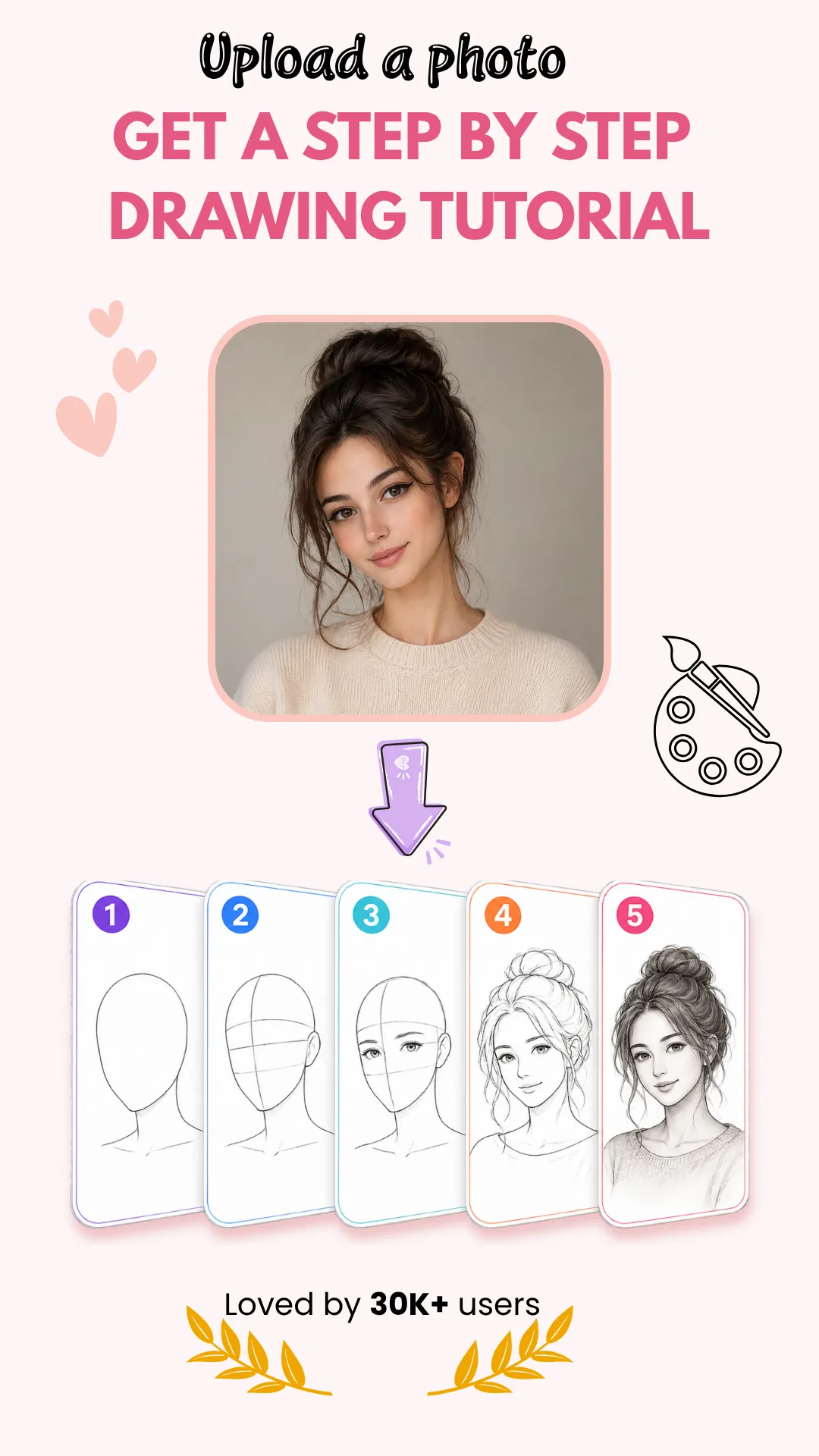
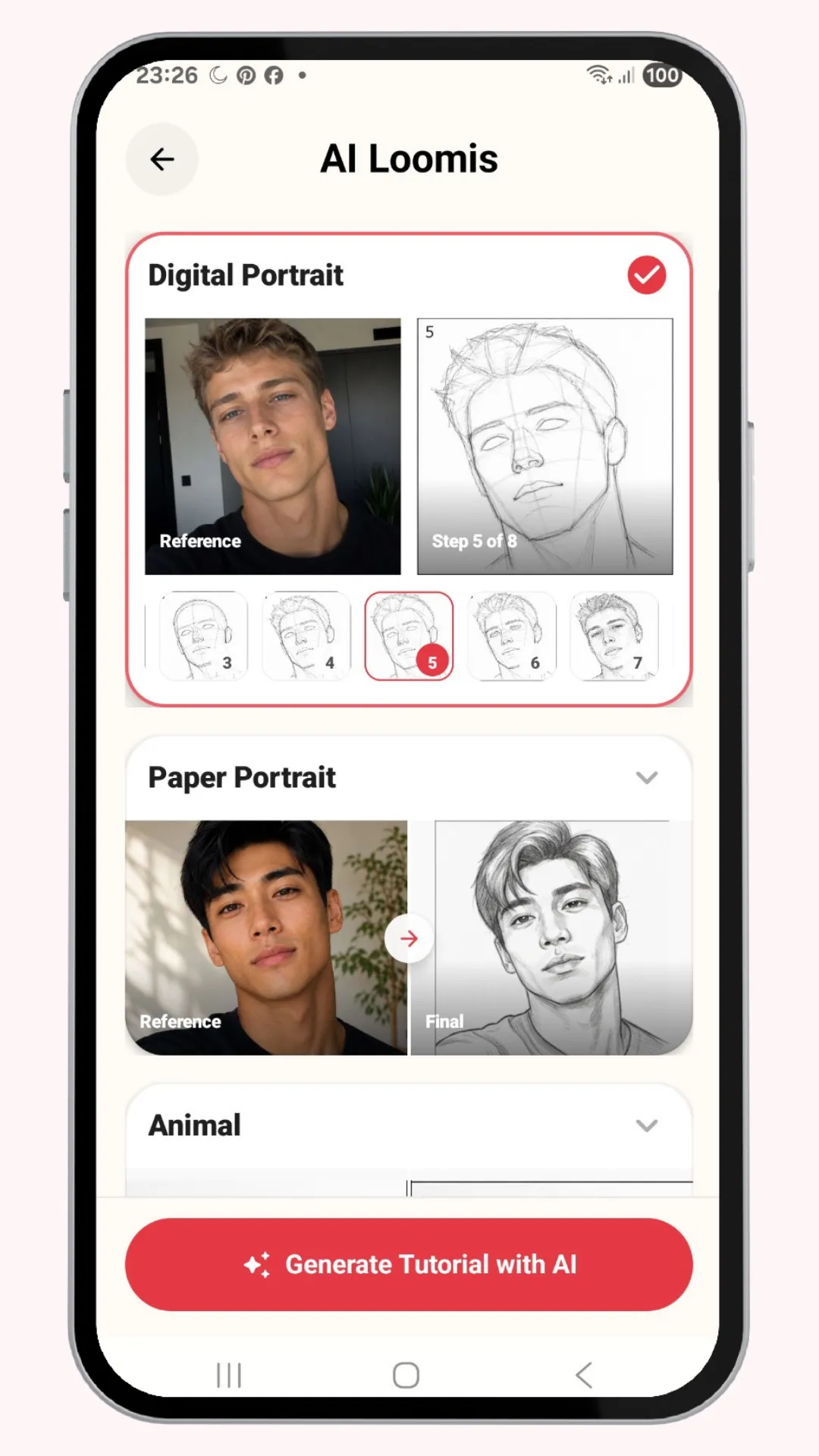
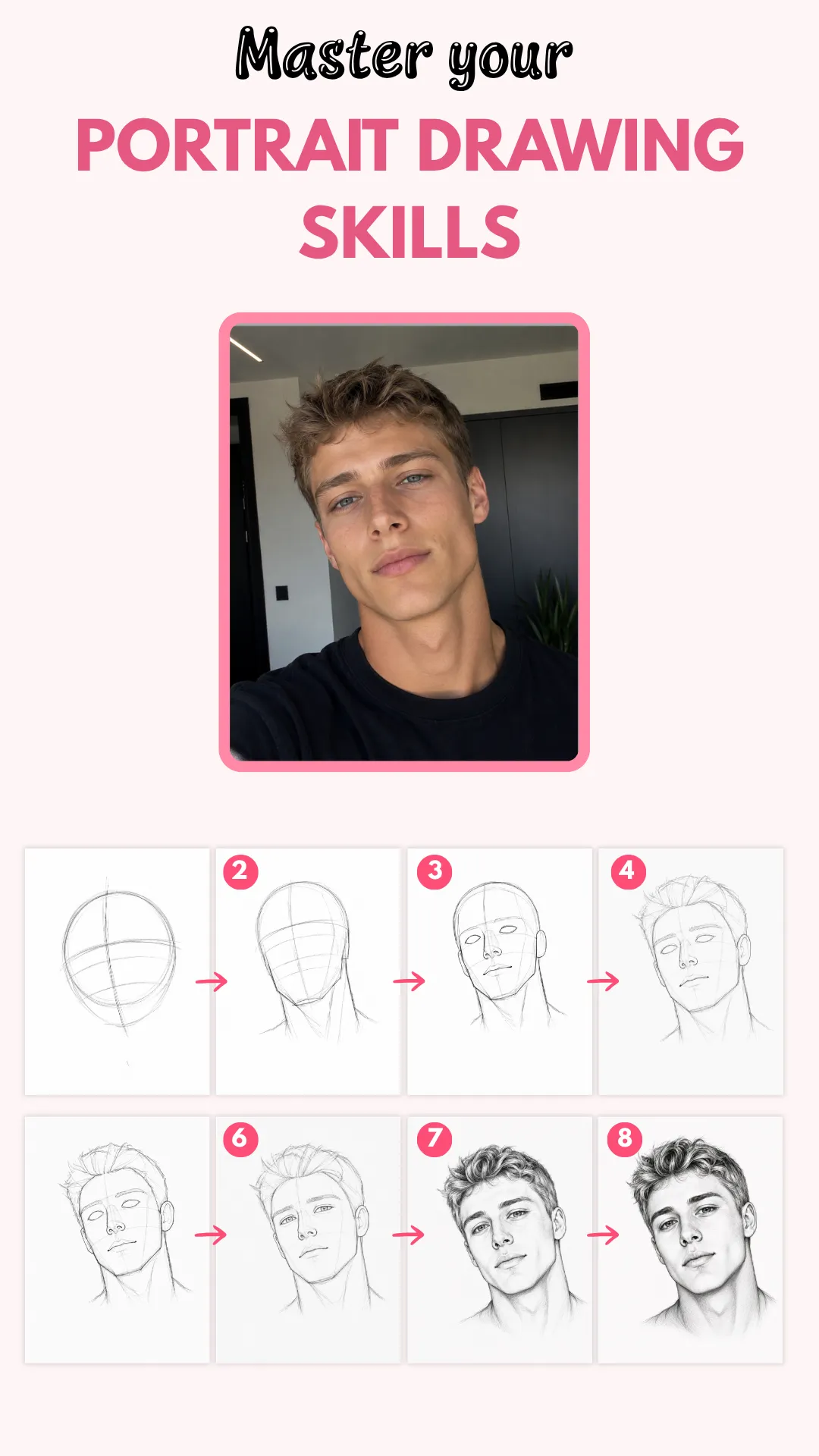
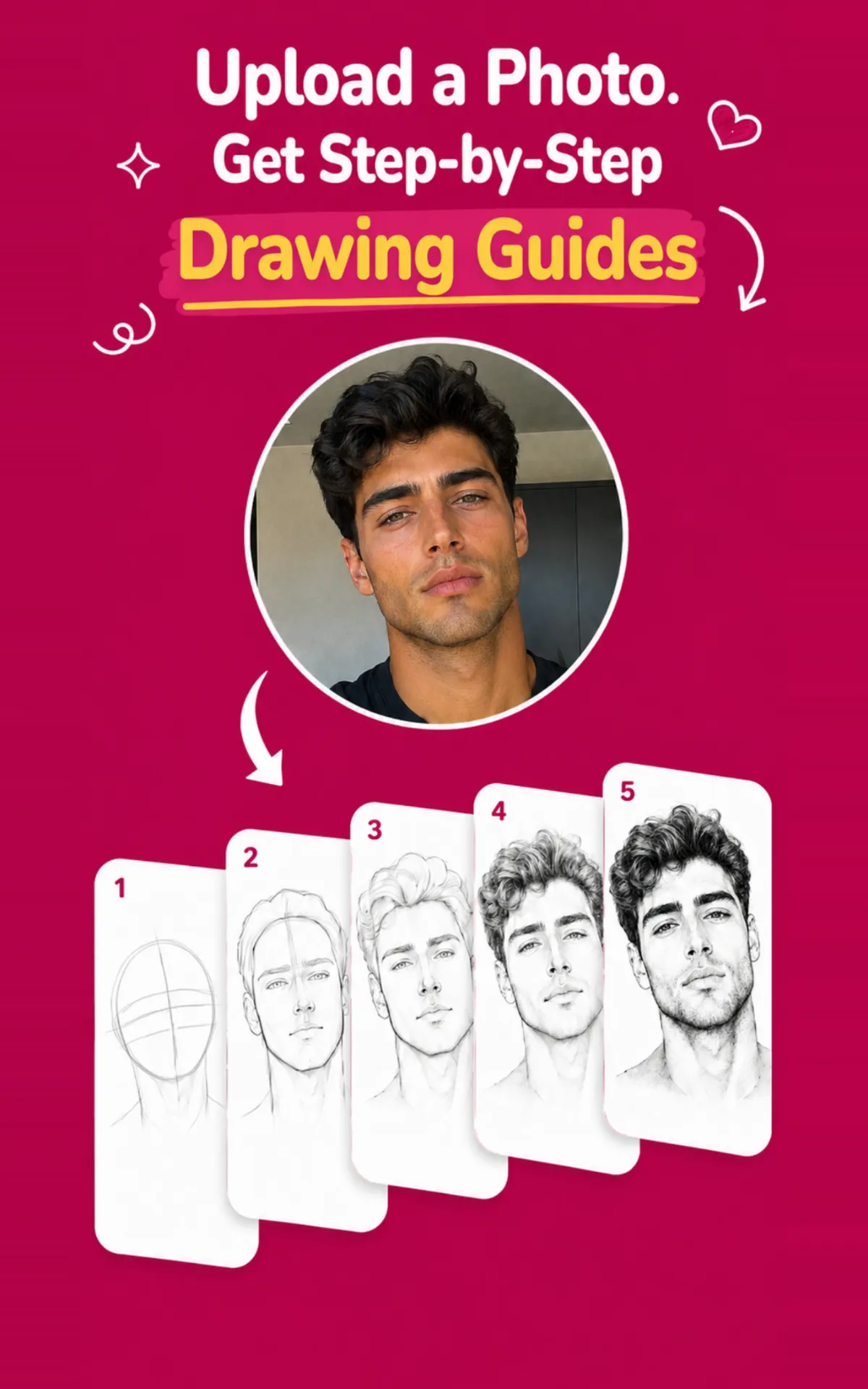
AI Loomis Studio turns a portrait into a clean 8-step Loomis-style construction guide, so you can study structure, follow each step, and practice with confidence.
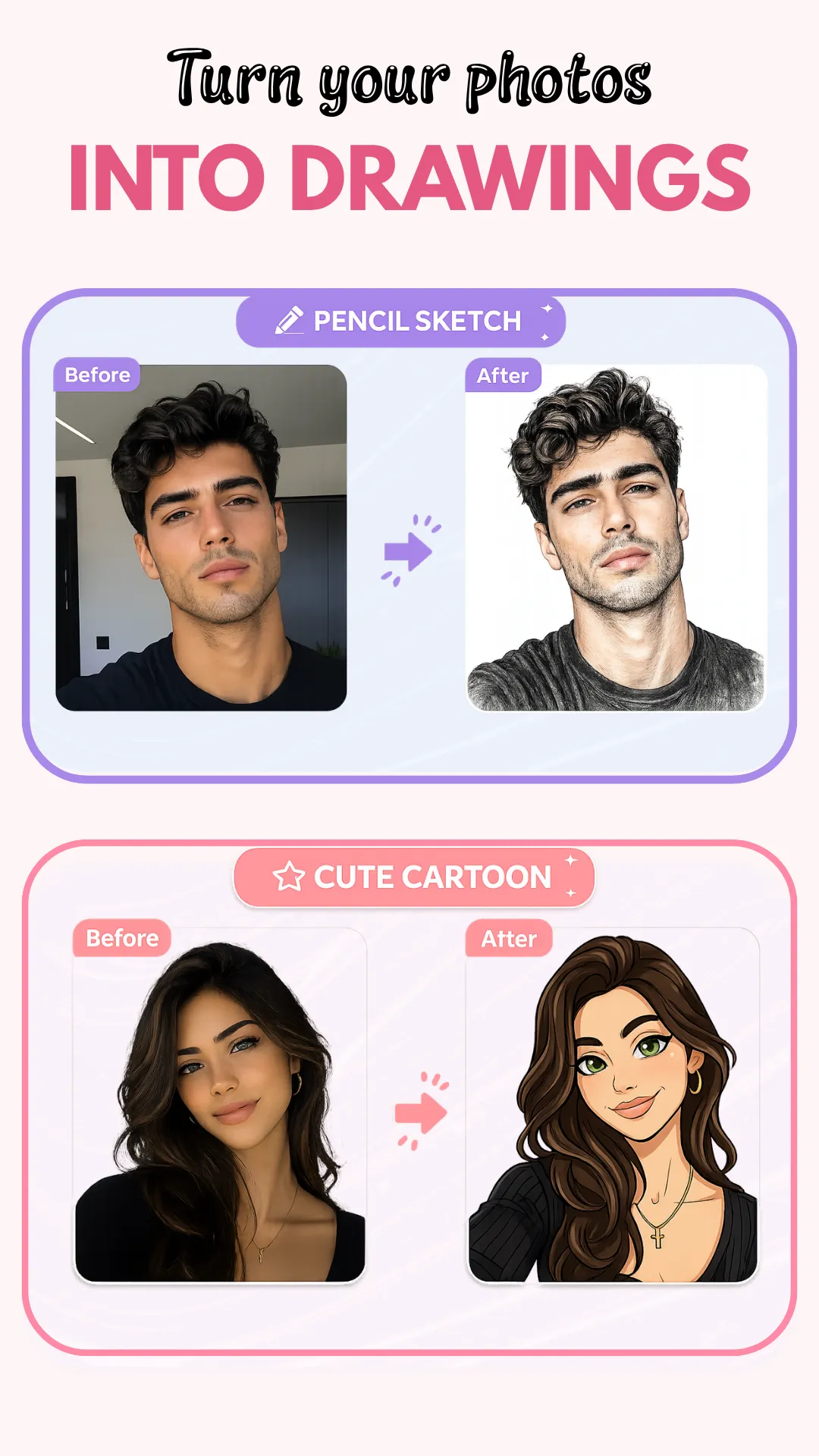
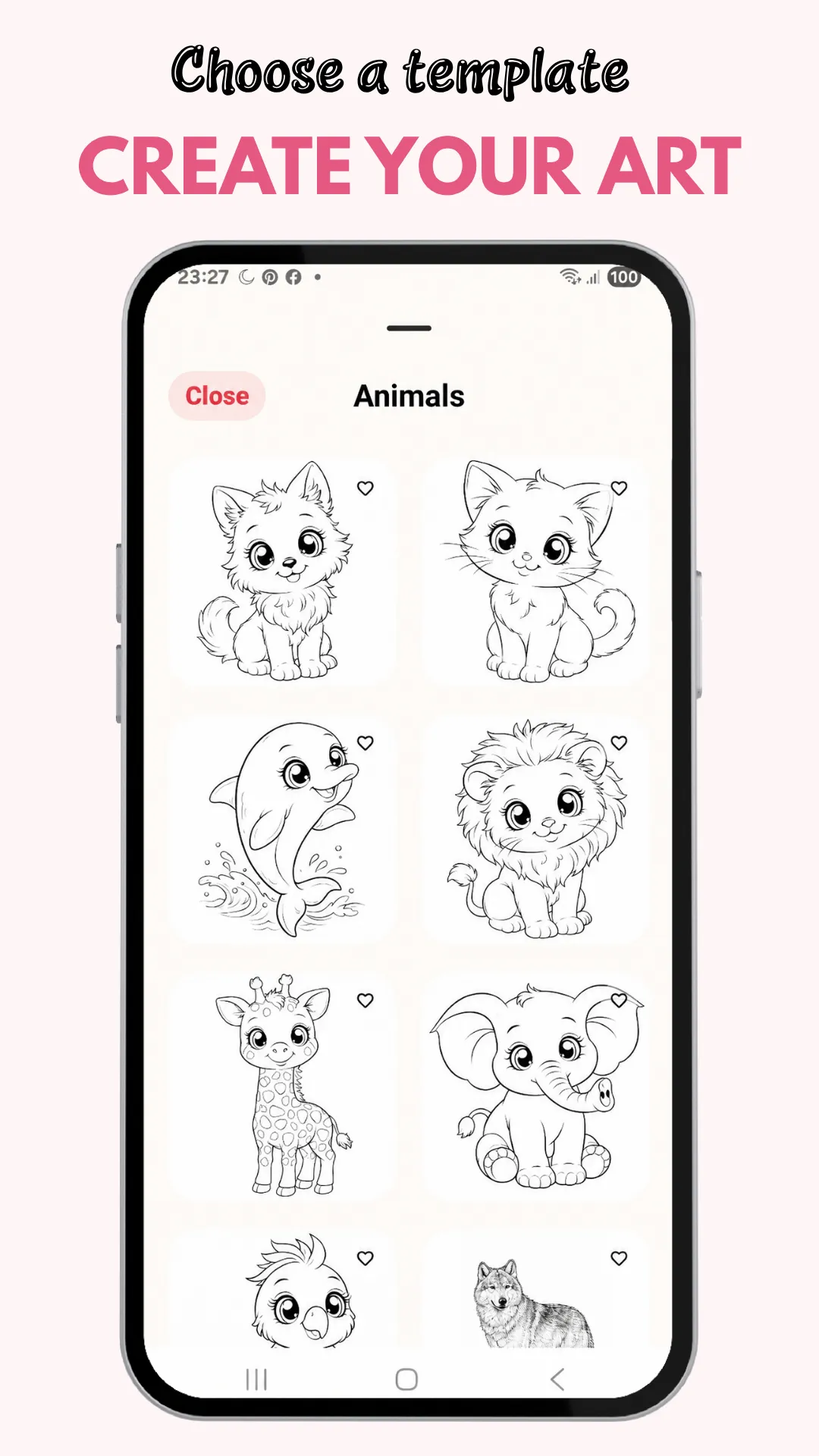
Tracing Studio helps you trace and learn from photos, templates, and AI-generated references. You can use ready-to-trace visuals, create custom trace references, and explore different art styles for study and practice.
With Sketch Steps, you can:
• Generate 8-step AI Loomis portrait breakdowns
• Practice facial structure with guided drawing steps
• Trace photos and custom references
• Explore ready-to-trace templates
• Create AI-styled tracing references
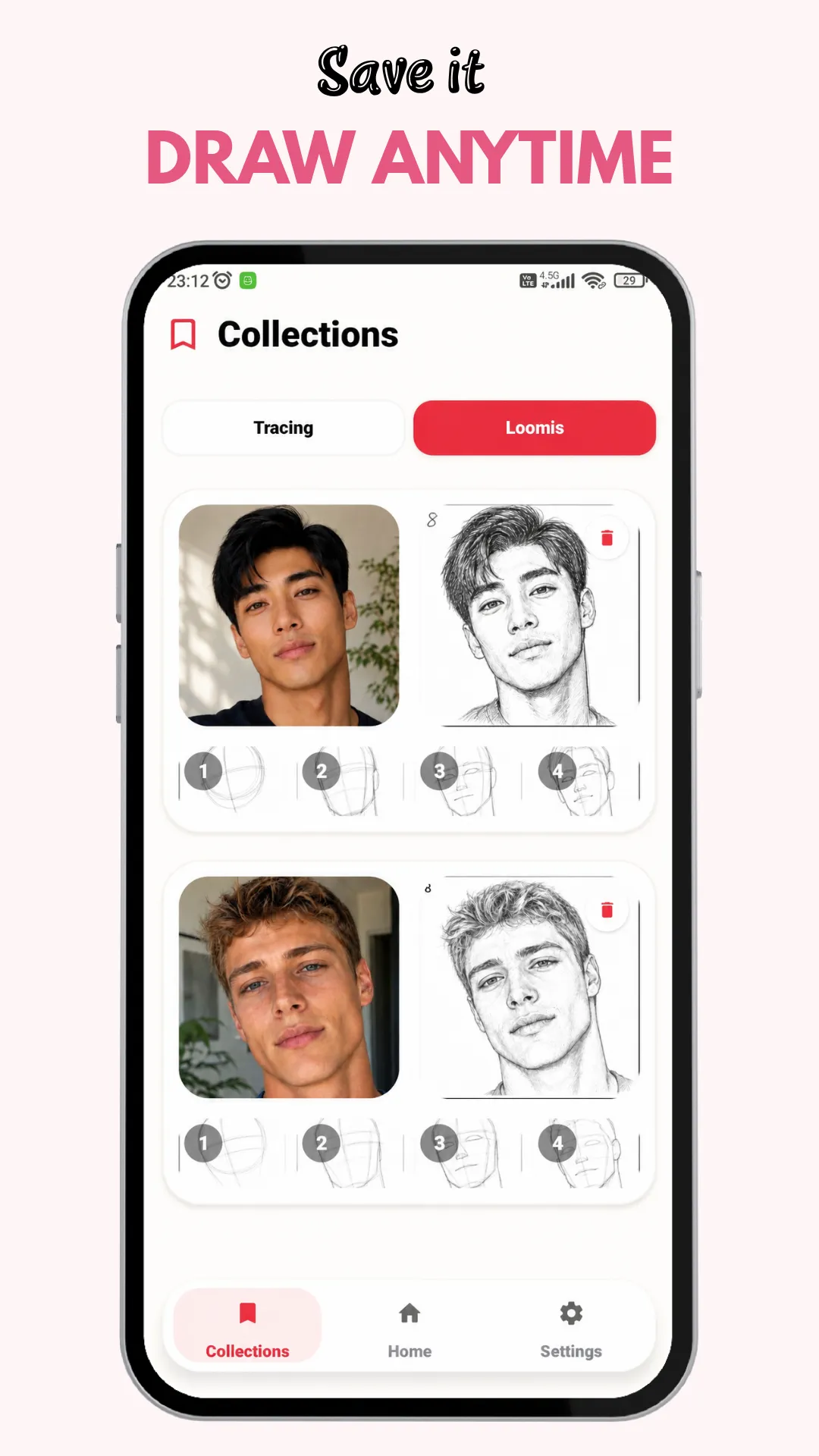
• Save generated references and tutorials for later study
• Build a consistent drawing habit with a clean, focused workflow
Sketch Steps is designed for beginners, hobby artists, and anyone who wants a more approachable way to study drawing fundamentals.
Some features require an active subscription or coins. Subscription options may include auto-renewing plans, and coin-based features may be offered as in-app purchases.
Terms of use: https://learned-trollius-e3f.notion.site/Terms-of-Use-3a172e55921f80f3af1dd4b177184cf7
Privacy Policy: https://sketchsteps.app/android-privacy-policy